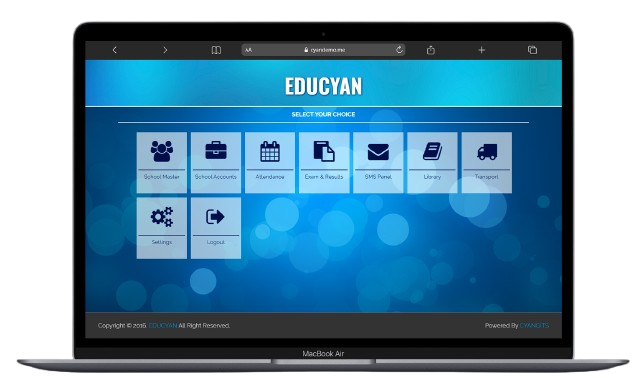
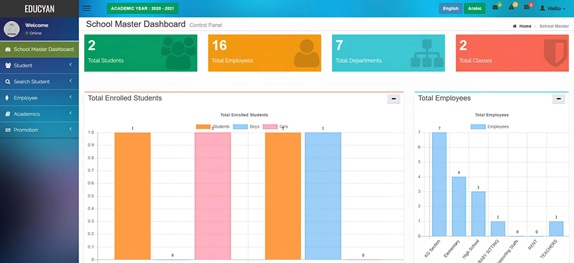
SCHOOL MASTER DASHBOARD
This screen helps you manage all student and employee records. You can register new students, edit
their details, assign roll numbers, or cancel admissions. For employees, you can add, edit, or
delete staff information. The Academics section lets you set up classes, subjects, and sessions.
Finally, the Promotion tool moves students to the next grade level.
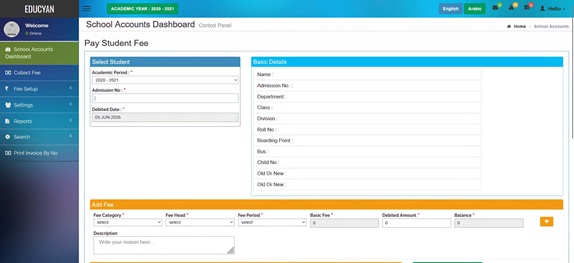
SCHOOL ACCOUNTS DASHBOARD
This screen handles all fee and payment tasks. You can collect fees from students and set up
different charges like registration fees, bus fares, or class fees. You can also give concessions or
discounts to students. If needed, you can cancel or refund an invoice. Various reports let you see
payments by date, student, or user, and you can print invoices directly.
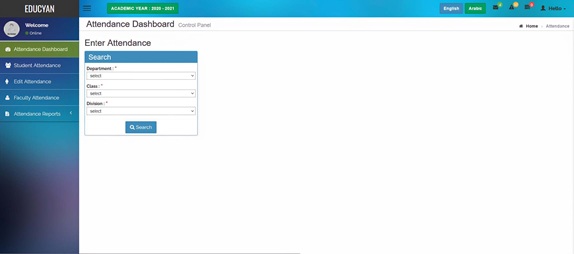
ATTENDANCE DASHBOARD
This screen is used to mark daily attendance. You can record attendance for both students and
teachers separately. If you make a mistake, you can edit the attendance later. The reports section
shows attendance by date, class, staff member, or by overall entity. This helps you track who was
present or absent on any given day.
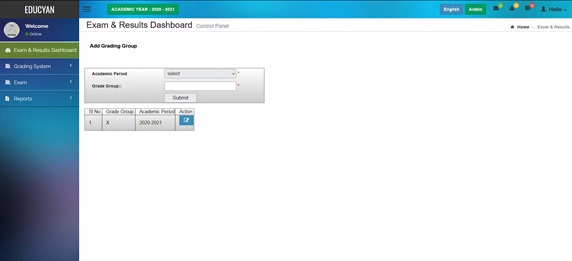
EXAM & RESULTS DASHBOARD
This screen helps you manage exams and results. First, set up a grading system (like A, B, C grades).
Then create exam groups and individual exams, and publish the timetable. After teachers enter marks,
you publish the results. Finally, you can generate report cards for one term, two terms, or preboard
exams.
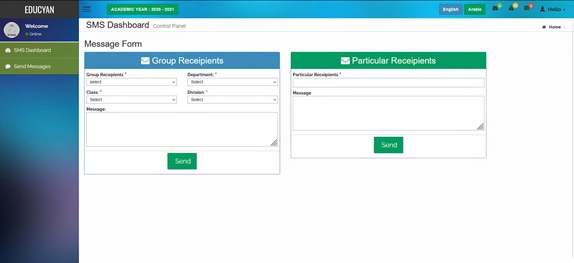
SMS PANEL DASHBOARD
This screen lets you send text messages to parents or staff. You can send messages to an entire group
(like a whole class) or to specific individuals. Simply select the recipient group or name, type
your message, and click Send. It is useful for sending alerts about fees, exams, or events.
LIBRARY DASHBOARD
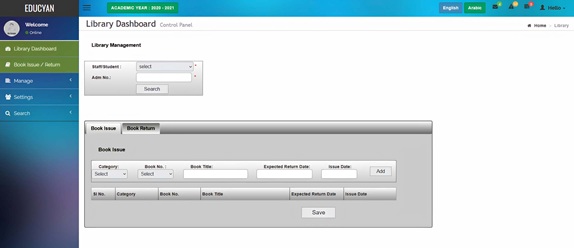
This screen manages the school library. You can issue books to students or staff and accept returns.
First, add book categories, authors, publishers, and book copies. You can also set which grade
levels are allowed to borrow books and assign fines for late returns. Search options help you find
issued books, available books, or student fines.
TRANSPORT DASHBOARD
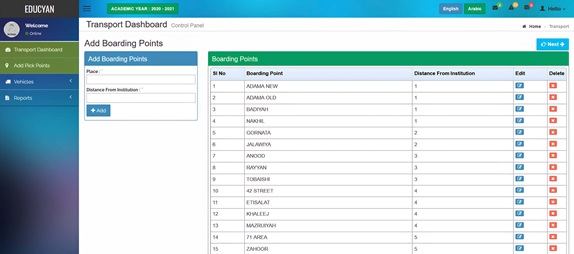
This screen manages the school bus system. You can add bus pickup points and manage vehicle details.
Register drivers and assign them to specific buses. You can also add or remove student passengers
from buses. Reports show lists of passengers by bus or by pickup point.
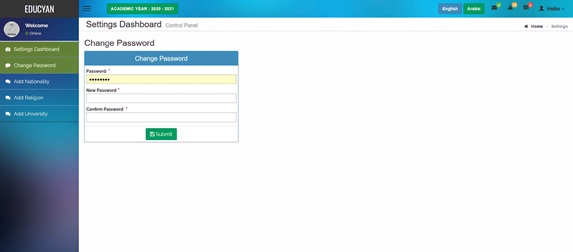
SETTINGS DASHBOARD
This screen lets you configure basic system options. You can change your login password here. You can
also add common lists like nationalities, religions, and universities. These lists will then appear
as dropdown options in other forms, keeping data consistent across the system.